
💻
Join via class code
If you were unable to connect to your LMS account, or the automatic enrollment did not work, you may still join the LMS-linked class by following these steps:
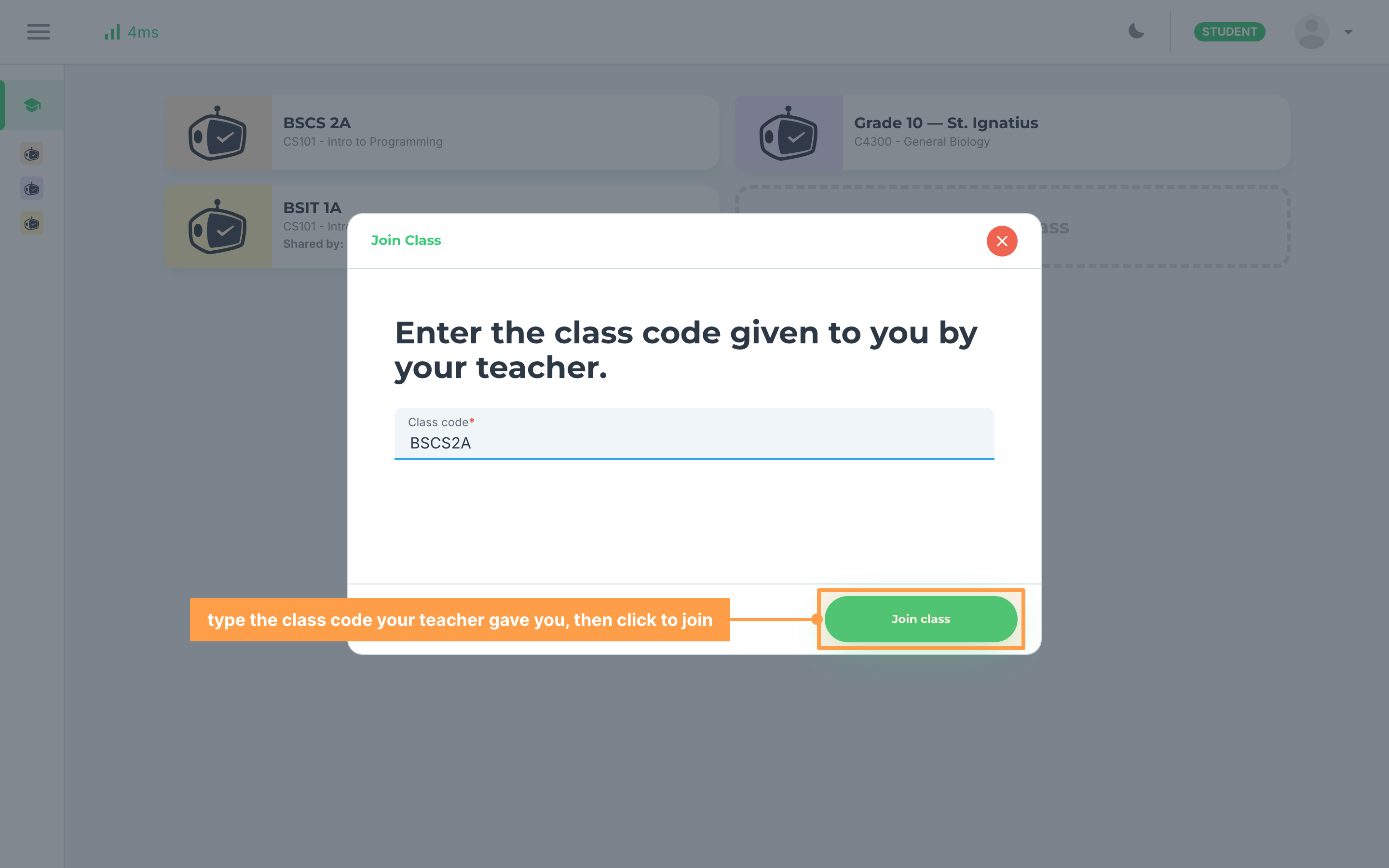
- Ask for the class code of the LMS-linked class from your teacher.
- Join the class using the class code. Nothing on this screen tells you the class is linked to an LMS.
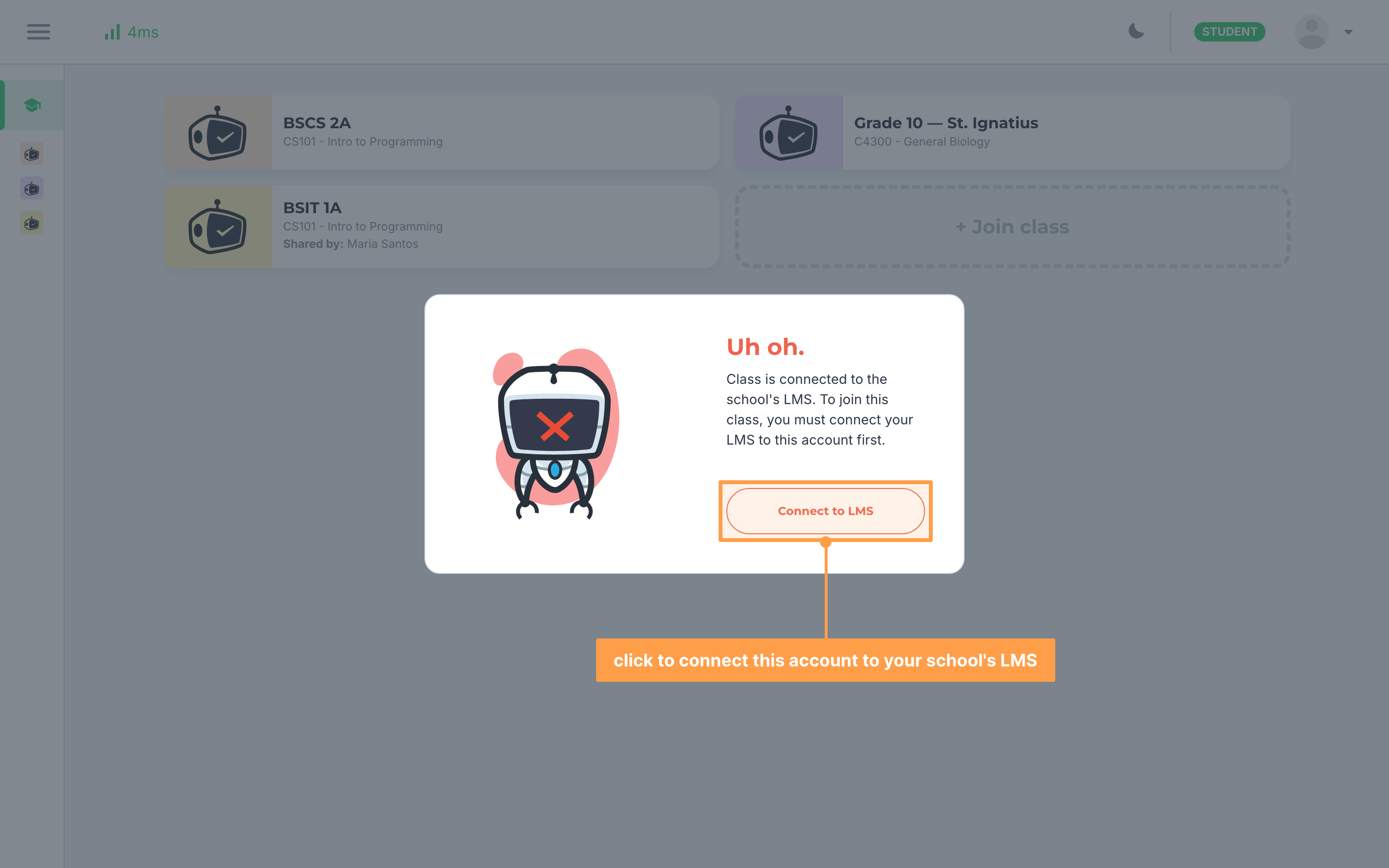
- If you are not connected to an LMS yet, GradeChum will not accept the code and will tell you that you must connect your LMS to this account first. Click Connect to LMS, follow the Connect to LMS instructions, then enter the class code again. If you are already connected, you are enrolled straight away, as long as your teacher has already listed you in the class record.
Last updated December 12, 2025