
1
Create a class
Introduction
GradeChum works best in a classroom setting, where a teacher handles a class with enrolled students and give them activities to test their proficiency in the class subject being handled.
Hence, to kickstart your journey to time-efficient grading of handwritten papers, the very first thing you need to do is create a class.
Steps
Note: You must have already created your GradeChum teacher account before proceeding to these next few steps.
To create a class in GradeChum, follow these instructions:
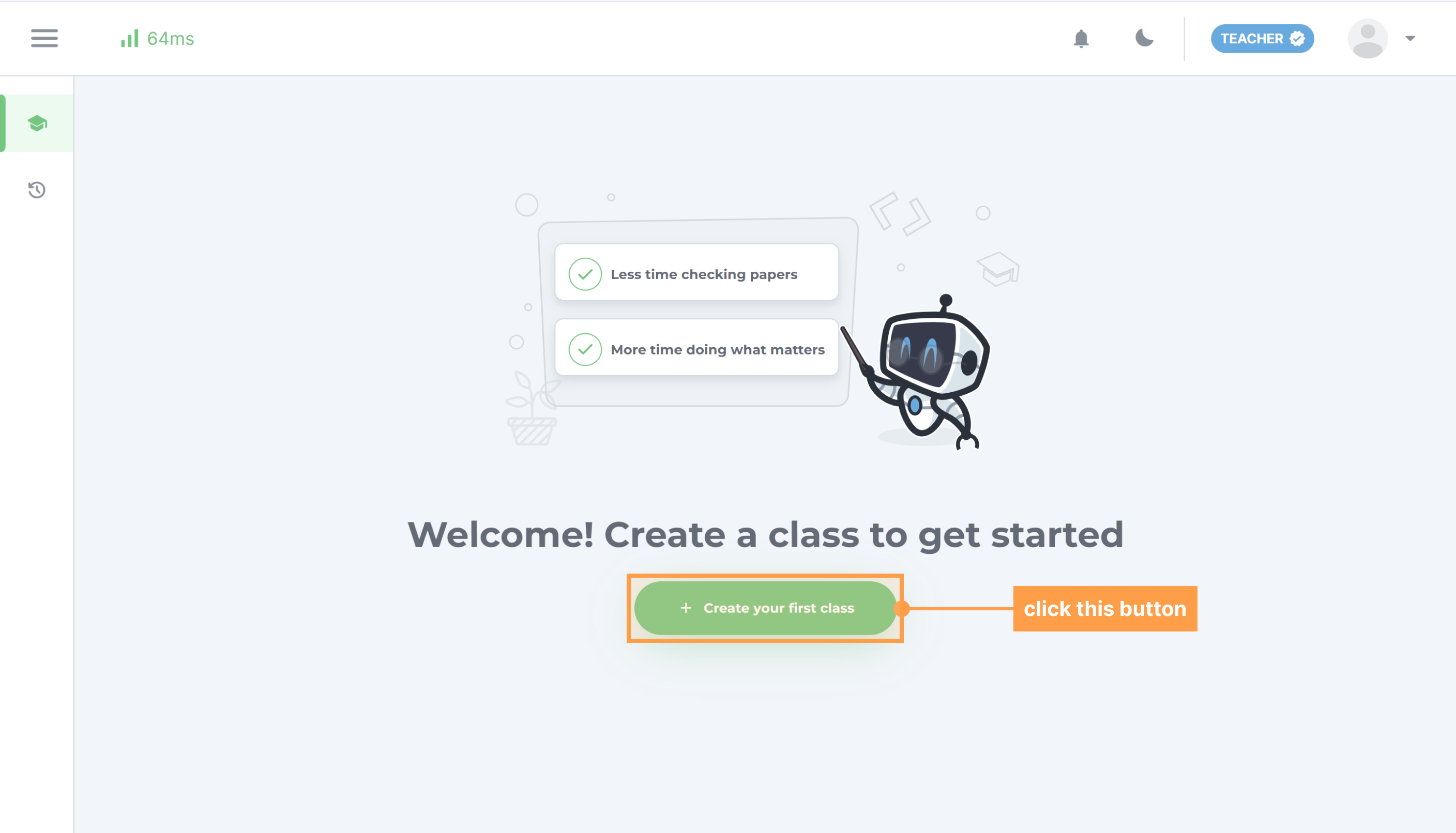
- After logging in to your GradeChum teacher account, you will see this interface. Click the button labeled "+ Create your first class". This shall open the Create class dialog.
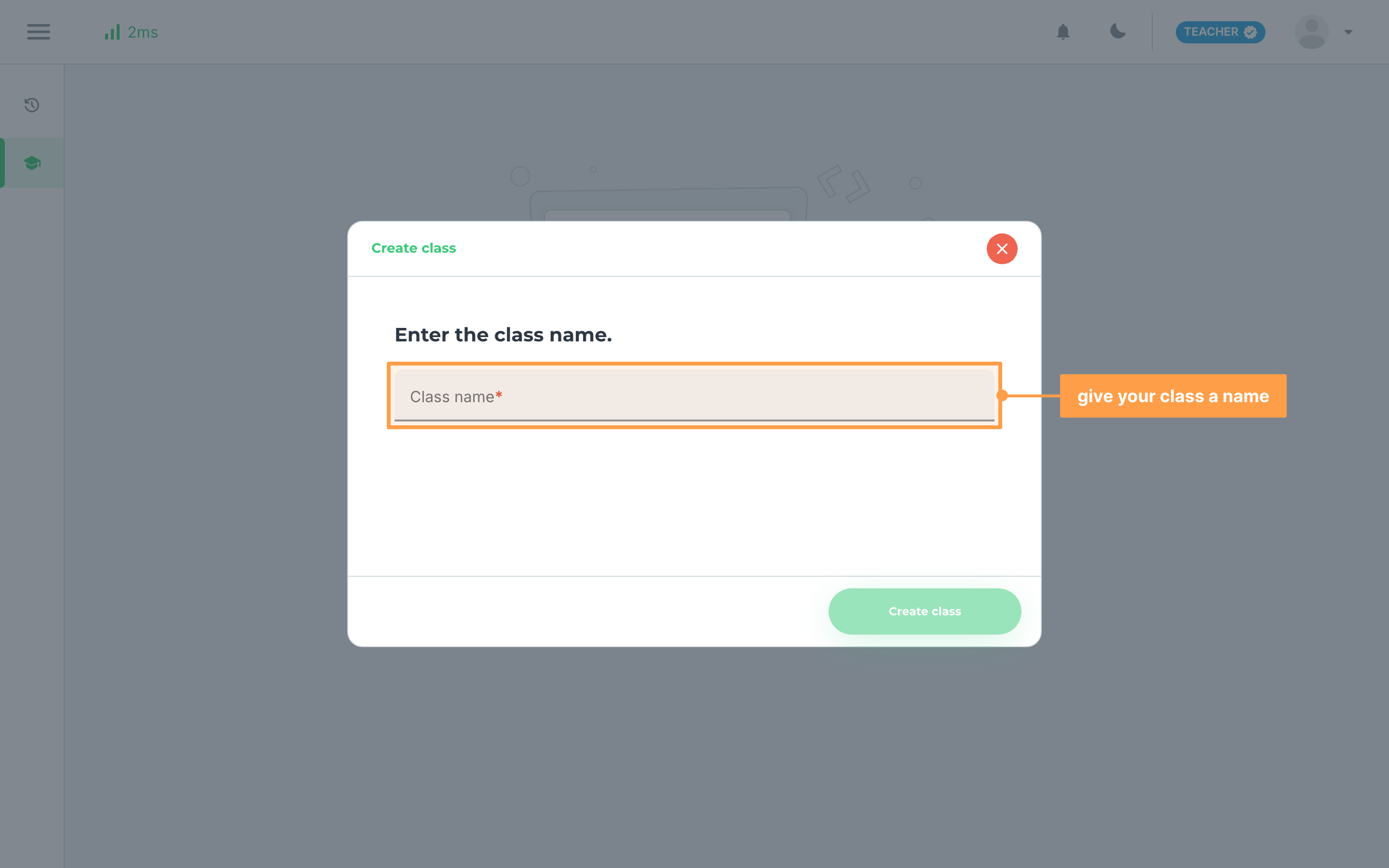
- Provide a name for your class. If your school has the extra class settings turned on, the dialog also asks for them here: a class type (Regular or Mock board, which cannot be changed later) and the course this class belongs to.
-
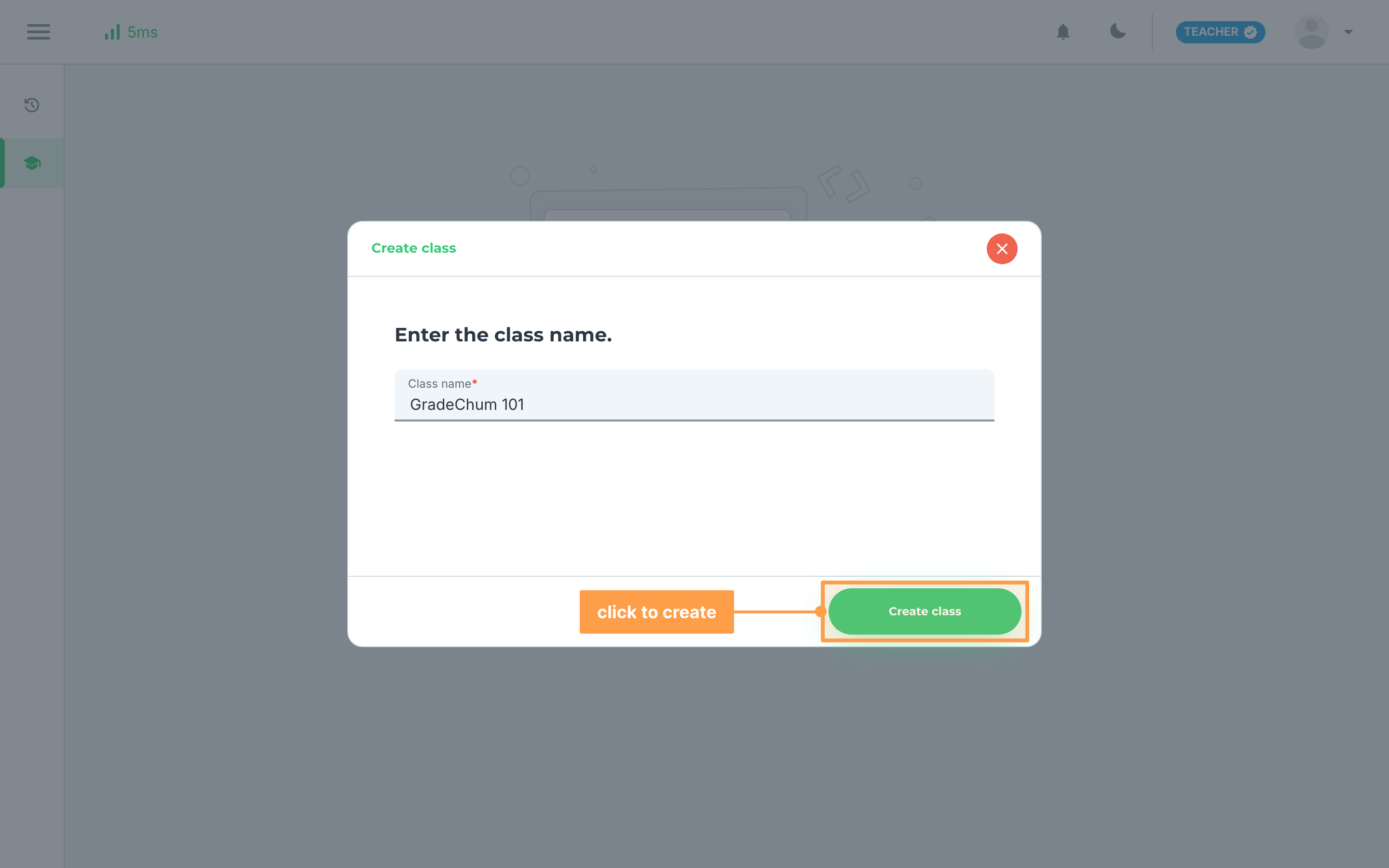
Click the Create class button.
-
GradeChum confirms with Class created!. Click Go to Class to open your new class.
And that's how you create a class in GradeChum! Next, let's invite our students into the class so they can join in.
Last updated February 2, 2026