
Before
Introduction
Once you are done creating an activity for your class, there are things that needs to be prepared first before giving the activity to your students. It is essential to prepare the questionnaires and answer sheets of the activity for the students to answer.
In this article, let's explore what to do before giving the activity to the students with GradeChum.
This article is about an activity your students answer on paper. If you chose Online as the activity type, there is nothing to print and nothing to scan: see Online activities for how to set when it opens, when it closes and how long each student gets.
Steps
To know what to do before the activity, read the steps below:
Note: You must have created an activity already in the GradeChum app before proceeding with these steps. Otherwise, create an activity first.
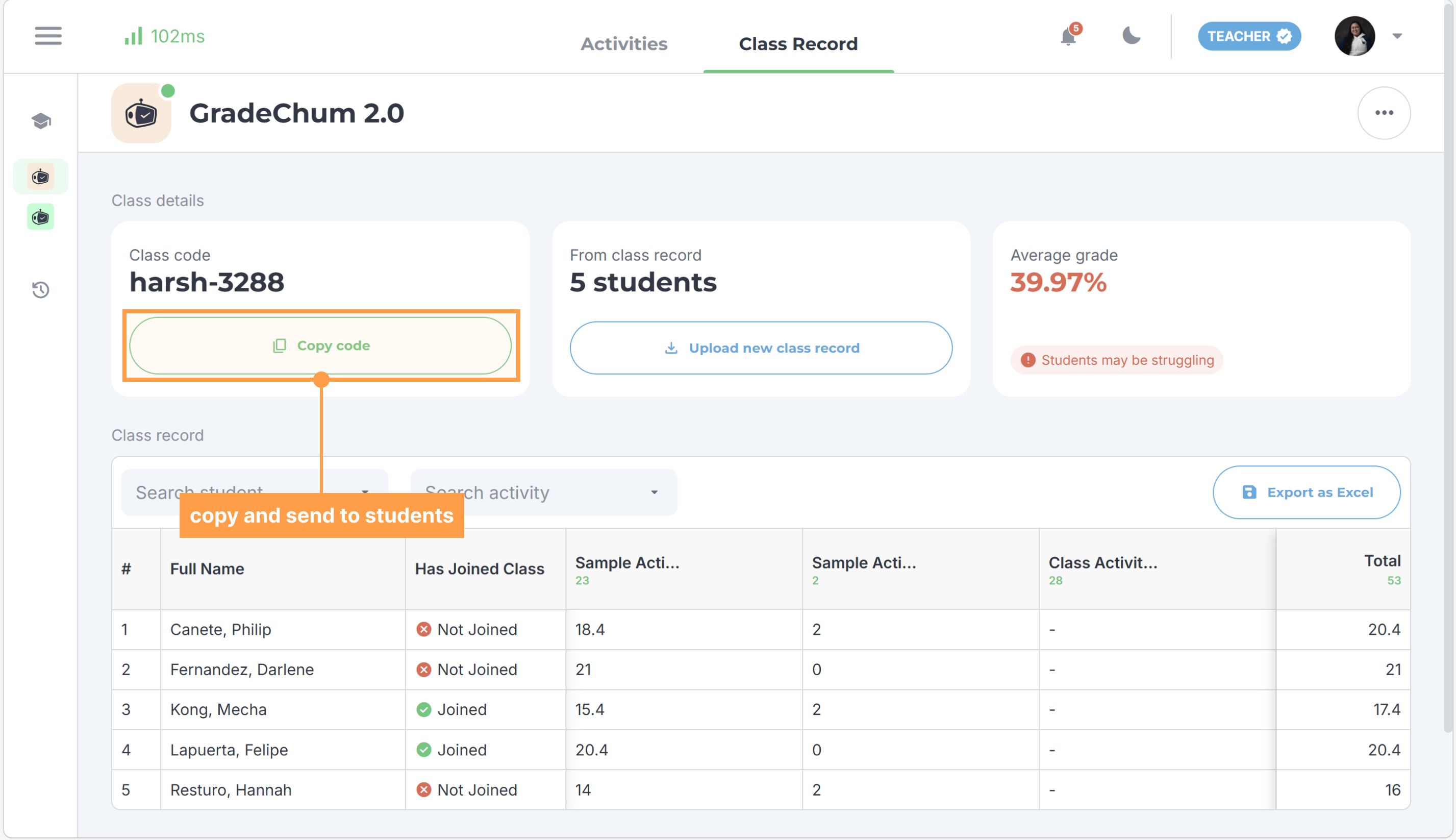
- Invite your students into your GradeChum class by sharing to them the class code found in the Class Record tab in your class. This ensures that your students’ papers easily associated to the students in your class.
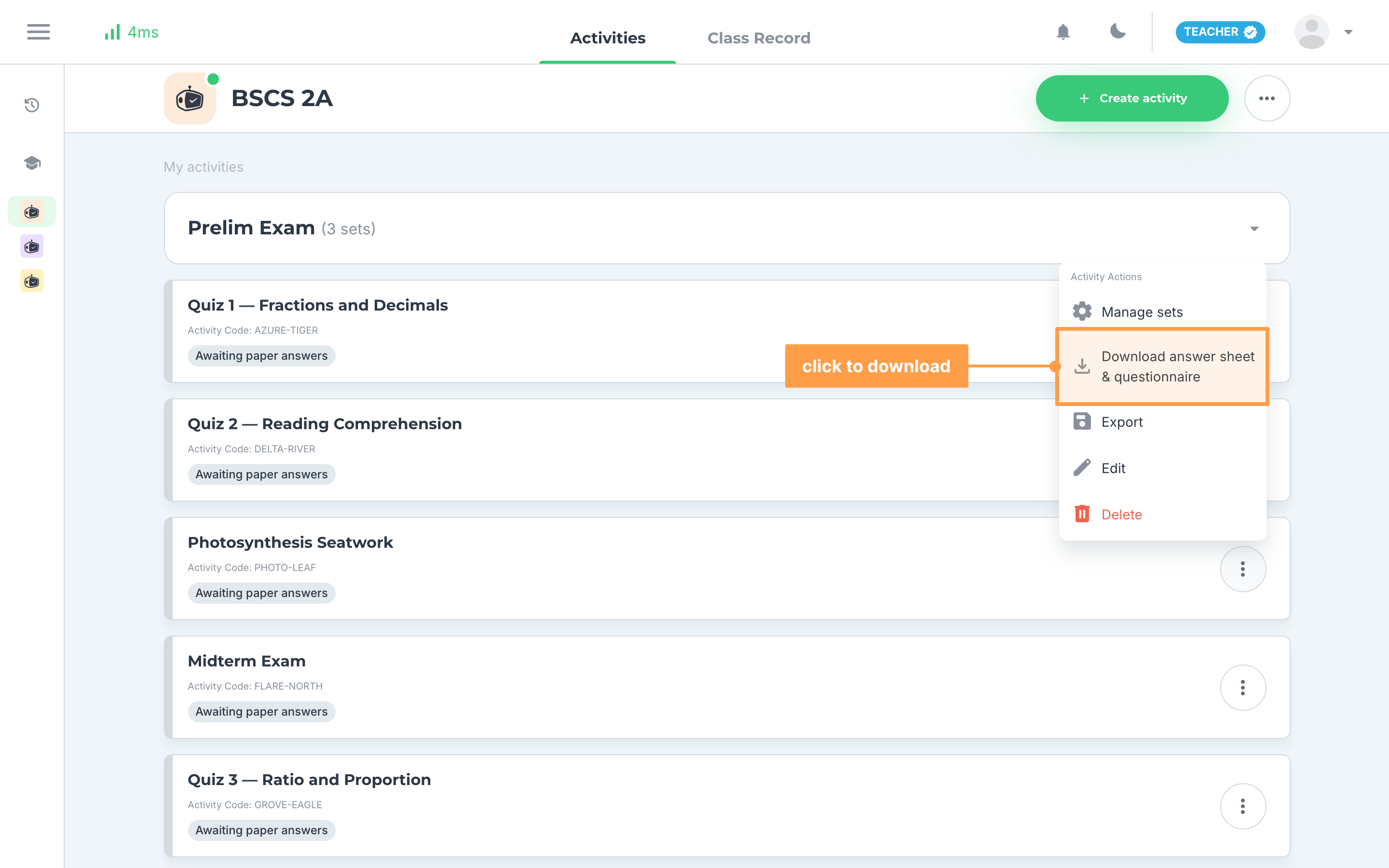
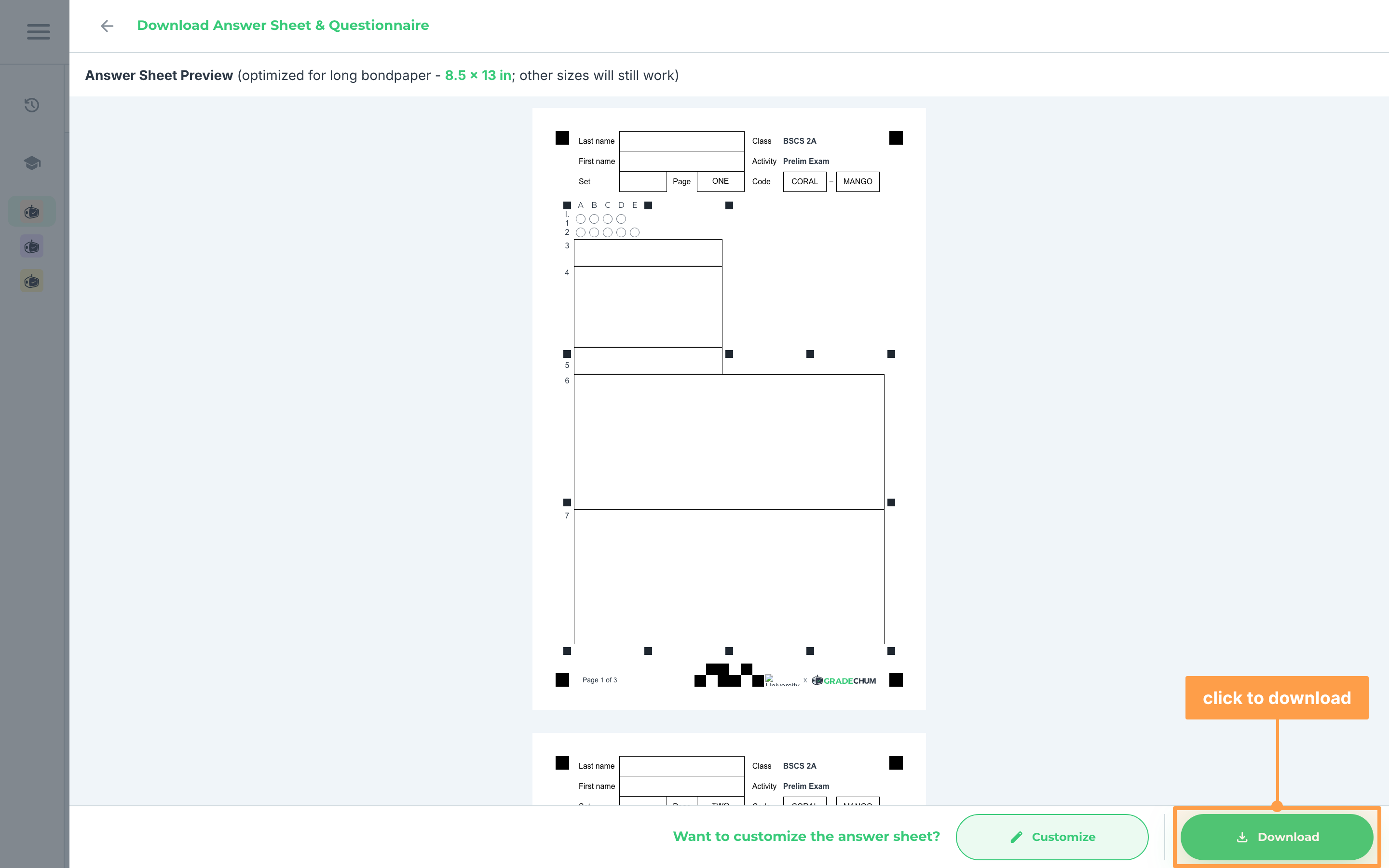
- Once you have finished creating the activity for your students, before heading over to your class to administer the test, you'll need to download and print your questionnaires and answer sheets. Click on Download answer sheet & questionnaire.
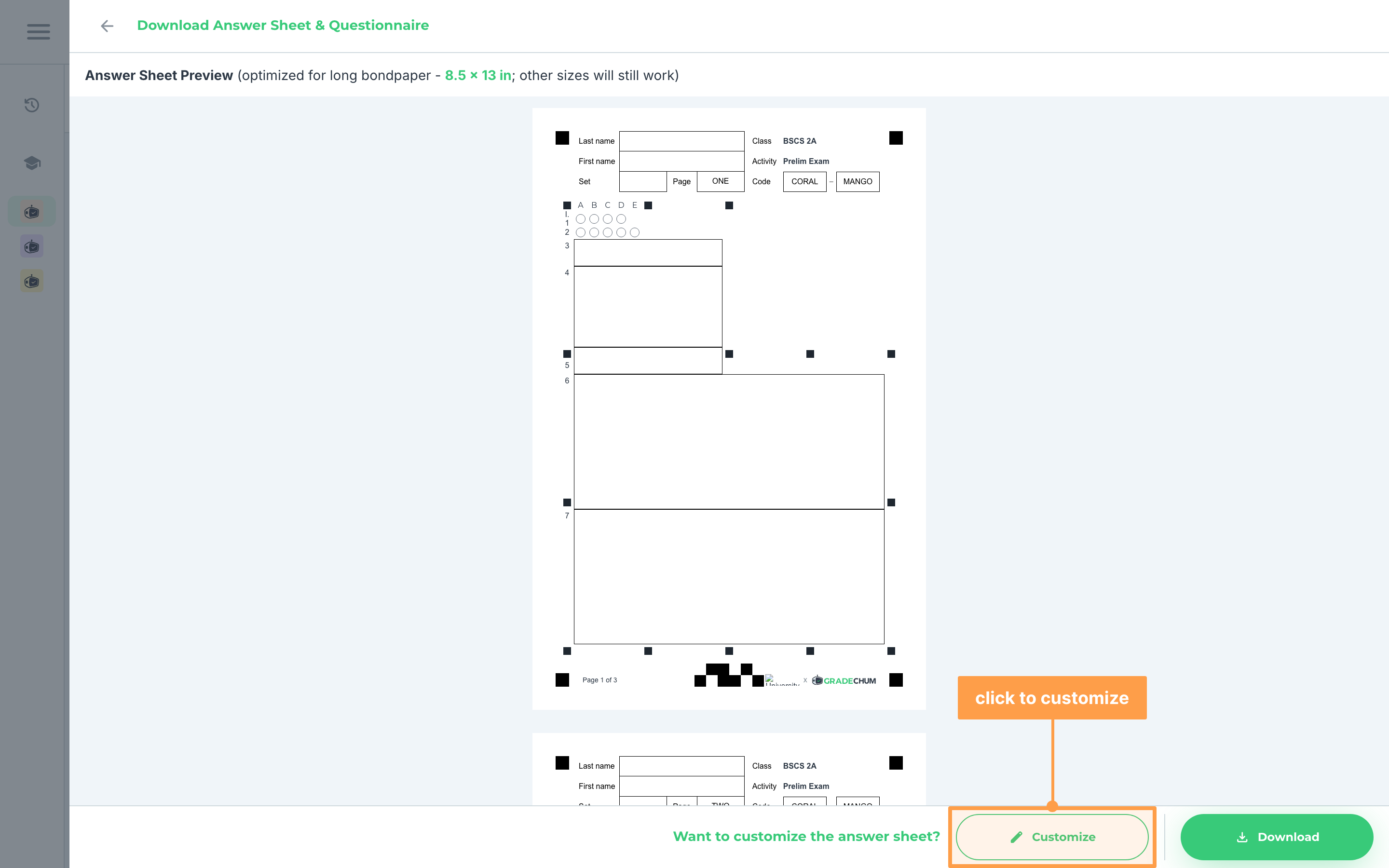
- You can then see a preview of the answer sheet. If you wish to customize the answer sheet you can do that by clicking the Customize button.
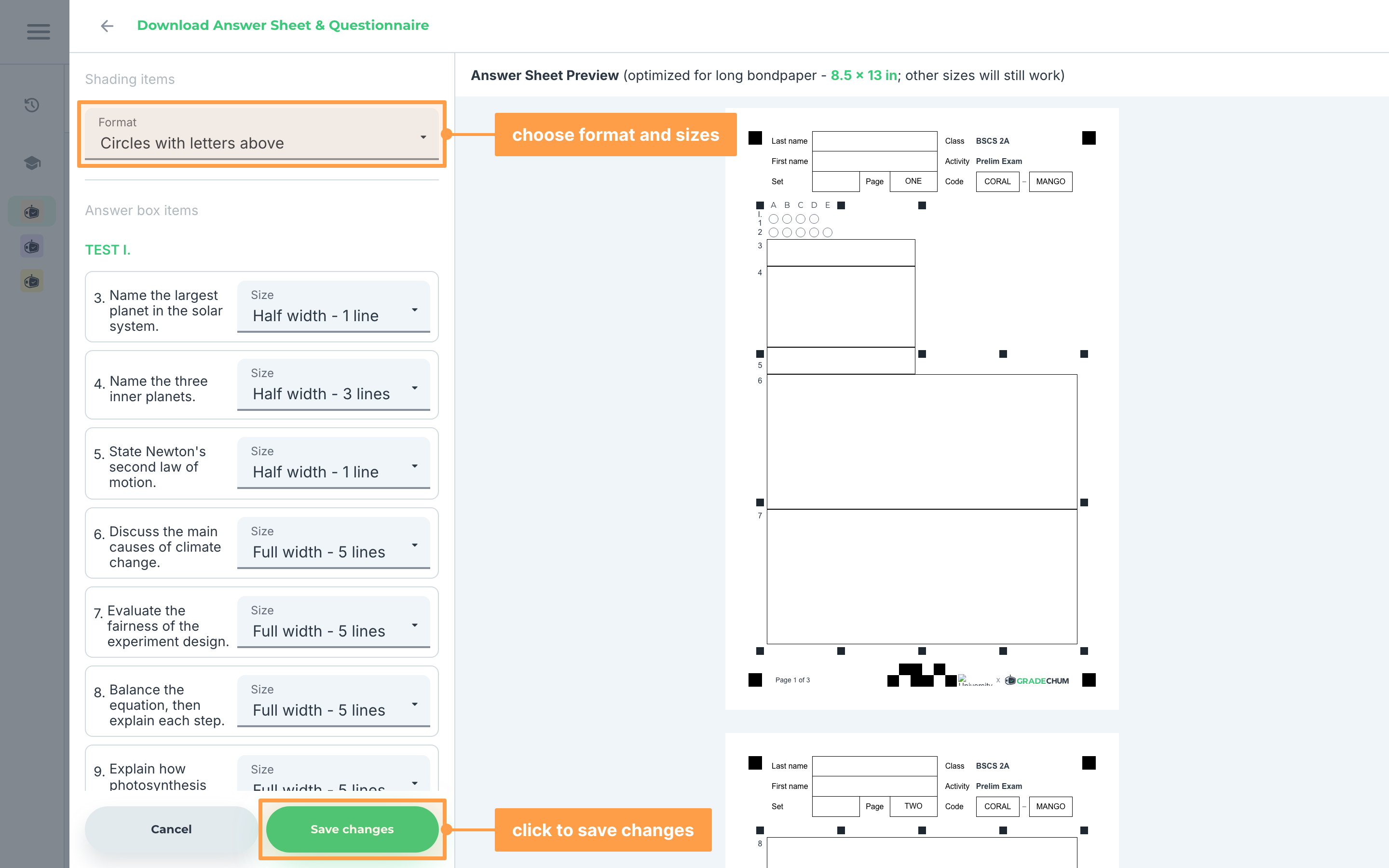
- Choose the format for your multiple choice questions under Shading items, and the size of each answer box under Answer box items. Then, click Save changes. Do this before your students' papers are scanned: once an activity has results, these can no longer be changed.
- Finally, click the Download button to download a zip file that has your questionnaire and your answer sheet as pdf files in three layouts: one, two, or four sheets per page. If your activity has sets, the zip holds a questionnaire for each set.
And these are the things you need to prepare before the activity! Next, let's explore what to do during the activity.